





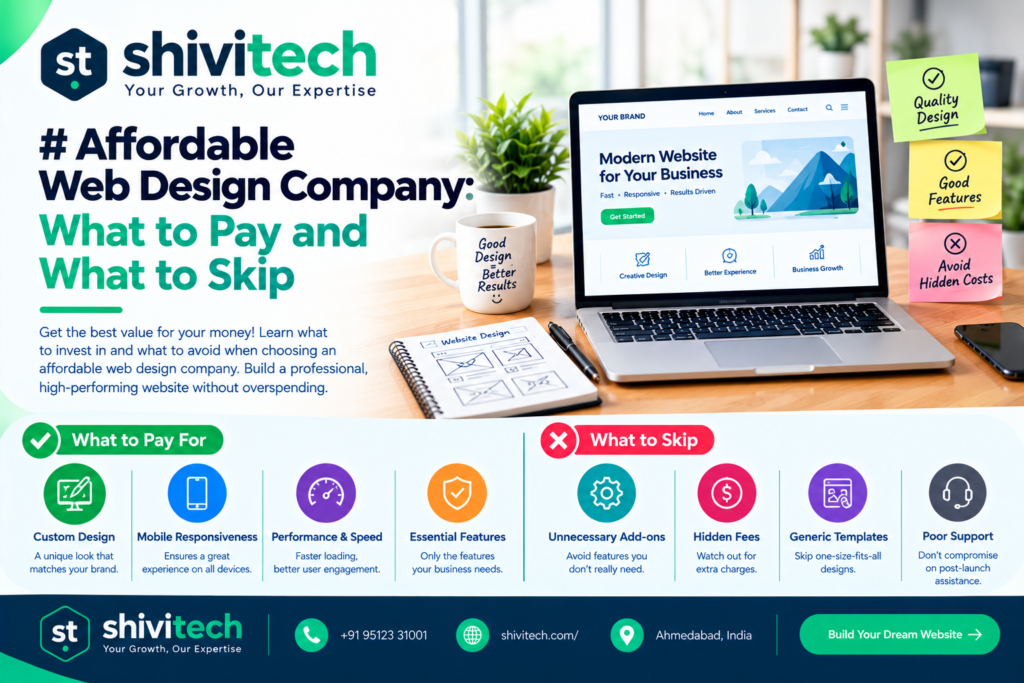
An affordable web design company doesn’t build the cheapest website. It helps you pay for what affects enquiries and sales, and skip the extras you don’t need yet. As an indicative guide, a simple five-page small business website often costs roughly ₹20,000 to ₹60,000 in India and about £600 to £2,500 in the UK, depending on who builds it. What moves the price is the amount of custom design, how much content you supply, any special features, the platform and what’s included after launch. These are market ranges to help you plan, not Shivi Tech quotes.
We design websites for small businesses in India and the UK, so this guide uses both price contexts. It explains where the money goes, what’s worth spending on, what to postpone, how to spot a cheap deal that will cost you later, and which ongoing costs people forget.
What does a small business website cost?
How much should a small business website cost? For a straightforward site of around five pages, expect the following indicative ranges:
| Type of build | India (indicative) | UK (indicative) |
| Template-based site, light customisation | ₹15,000 – ₹35,000 | £500 – £1,200 |
| Custom-designed 5-page site | ₹35,000 – ₹80,000 | £1,200 – £3,500 |
| Site with extra features (booking, forms, integrations) | ₹80,000 – ₹2,00,000 | £3,500 – £8,000+ |
The figures are broad market guides and vary a lot between providers, so use them to sanity-check a quote rather than as a price list. The main things that move the price:
- Number of pages and how unique each one is
- How much is custom design rather than a template
- Who writes the content and sources the images
- Features, such as booking, payments or integrations
- Platform and hosting choices
- Revisions and support after launch
If you’re comparing providers, see our web design services page for how a project is scoped.
Where does the money go?
A website budget usually splits into four parts. Knowing them helps you judge a quote.
Design
This covers layout, colours, typography and how each page looks on desktop and mobile. A template-based design costs less, while a fully custom one costs more because the designer creates it from scratch. Good design isn’t decoration. It makes your offer clear and your next step obvious.
Build
The build turns the design into a working website: setting up the platform, making it responsive, adding forms and testing across devices. If you’re using WordPress, your developer will usually set up a theme and page builder such as Elementor. Our WordPress development service covers how that works. Wix and Webflow are alternatives with different trade-offs, which we compare in our platform comparison guide rather than repeating here.
Content
Content is the text, images and any video on your pages, and it’s often the most underestimated cost. You can write it yourself, supply drafts for editing, or pay a copywriter. Poor or missing content is the most common reason sites launch late. Photography and graphics are part of this too.
SEO setup
SEO setup means the basics that help search engines understand your site: page titles and descriptions, a clean structure, fast loading, mobile usability, a sitemap and analytics. It’s not the same as ongoing SEO. It’s the foundation you want in place at launch. You can check your page speed for free with Google PageSpeed Insights.
What to spend on
If your budget is limited, put your money where it affects whether visitors contact you:
- A clear homepage message. Visitors should understand what you do, who it’s for and what to do next within seconds.
- Mobile-first design. Most people will see your site on a phone first.
- Good-quality content. Clear service descriptions, real photos and genuine testimonials outweigh clever design.
- Fast loading. Slow pages lose visitors. Compress images and choose sensible hosting.
- Simple enquiry paths. A visible phone number, a short contact form and click-to-call or WhatsApp buttons where relevant.
- Basic SEO setup and analytics. So you can find out what’s working.
- A site you can edit. You should be able to change text, prices and photos yourself.
What to skip at first
A first website doesn’t need to do everything. Postponing these saves money and reduces risk:
Custom animation, unused plugins, large page counts
- Custom animation and heavy effects. They look impressive but can slow your site and rarely drive enquiries.
- Unused plugins and add-ons. Every plugin adds cost, maintenance and potential security issues. Install only what you’ll use.
- Large page counts. Start with the pages that matter, such as Home, About, Services, Contact and one or two key service pages, then add more as you grow. Thin pages for the sake of volume don’t help.
- Complex features you don’t need yet, such as member areas, live chat or multi-language, unless your business genuinely depends on them.
Here’s how it breaks down in one view:
| Spend on | Skip at first |
| Clear message and structure | Custom animation |
| Mobile-friendly design | Unused plugins |
| Quality content and photos | Dozens of thin pages |
| Fast loading | Complex features you don’t need yet |
| Basic SEO and analytics | Extra languages unless needed |
| Editable content | Expensive custom builds for simple needs |
Cheap vs. affordable: warning signs
A low price isn’t automatically a bad sign, but some patterns suggest you’ll pay more later.
- No written scope. If you can’t see what’s included, you can’t compare quotes.
- A “too good to be true” price with unlimited everything
- No mention of mobile design, testing or SEO basics
- You don’t own the site, domain or content. Ownership should be clear.
- Pirated or nulled themes and plugins, which can contain malware
- No contact details, portfolio or reviews from the provider
- A copy-and-paste template that looks identical to hundreds of others
- No support or maintenance options after launch
- Pressure to pay everything upfront with no milestones
An affordable provider is transparent about what you get at the price. A cheap one hides what’s missing.
Ongoing costs people forget
The build is only part of the cost. Plan for:
- Domain name: renewed yearly
- Hosting: needs to meet the platform’s requirements, such as those listed by WordPress.org
- SSL certificate: often included with hosting, but check
- Maintenance: updates, backups and security checks
- Premium plugins or themes: many are licensed annually
- Content updates: new pages, blog posts and photos
- Support: fixes and small changes after launch
- Marketing and SEO: if you want ongoing growth
Ask any provider which of these are included in the quote and which you’ll pay for separately.
FAQs
Can I upgrade later?
Yes. A good site is built so you can add pages and features as the business grows. Ask your provider how upgrades work and what they might cost, and whether moving to a different platform later would be easy.
Do I own the site?
You should. Make sure the domain is registered in your name, you have admin access to the site and hosting, and your contract says you own the content and design. If a provider hesitates, treat it as a red flag.
What is in the monthly fee?
It varies. A maintenance plan typically covers updates, backups, security monitoring and minor changes, while hosting is sometimes included. Ask for a clear list of what’s covered and what isn’t.
How long does it take?
A simple five-page site can take a few weeks, depending on how quickly you supply content and approve designs. Larger or custom projects take longer.
Do I need a custom design?
Not always. Many small businesses do well with a well-chosen template adapted to their brand. Custom design makes more sense if you need something specific or want to stand out in a crowded market.